
Workshop: From terminal to dashboard with Metabase MCP + CLI
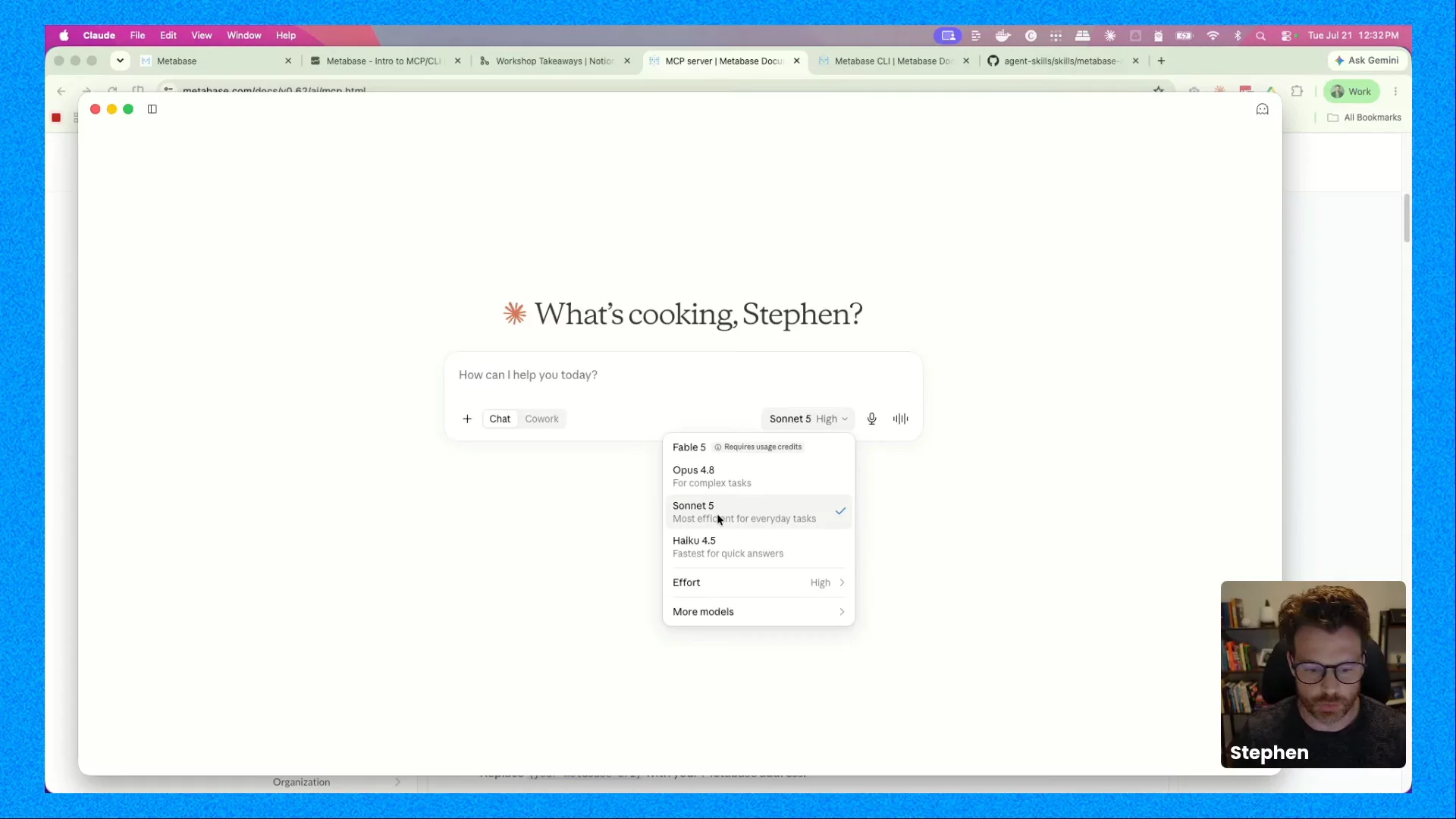
Metabase
01:03:26
Getting data from source to dashboard has always meant a relay of tools and people — someone wires up the pipeline, someone builds the dashboard, someone turns the result into a story. AI is starting to collapse that chain, and a surprising amount of it now fits inside your terminal.
In this workshop, Stephen Tracy, analytics educator and creator of Analytics Udemy courses, will walk through how to use the CLI and MCP server for AI data exploration that runs on your permissions and your metrics
You'll learn:
- When to reach for the Metabase CLI versus the MCP server, and how the two fit together
- How to connect Claude to Metabase over the MCP server and ask questions that come back as both answers and interactive charts
- How to install and authenticate the CLI, then run commands to inspect and query your data
- How to generate a real dashboard through the agent, end to end, from the terminal
- How to prompt well enough that the agent builds a dashboard you'd actually keep
This session is for practitioners: analysts, analytics engineers, and technical PMs who work in Metabase day to day and want a real workflow to take home.
This session gets hands-on fast and assumes you'd rather build than watch slides. You'll leave with an end-to-end workflow you can run on your own Metabase instance right away.
Speakers

Stephen Tracy
CDO & Udemy Course Creator
Stephen is a data and analytics practitioner with 15+ years of experience across data science, market research, and AI. He’s a former Chief Data Officer at North One and co-founder of Milieu Insight, and has taught tens of thousands of students through his data courses. He also hosts the Empirical Storytellers podcast, where he talks with data and AI leaders about how decisions actually get made.

Pierina Salinas
Product Advocate at Metabase
Replays
See all

Workshop: From terminal to dashboard with Metabase MCP + CLI
01:03:26